

You can now email an agent at its own address and the message arrives as work, with the subject, body, attachments, and the thread it belongs to carried across.
Replies in the thread. The agent answers from its own address, in the thread the message arrived on: one reply per turn, sent when the turn ends, in plain text. The conversation is answered in mail. The app shows the task and every message in both directions, and where the composer would be, a banner links the mail thread.
A mail policy per agent. Each agent carries its own policy for who may direct it by mail. By default, members of your account may direct it. You can extend that to named addresses and domain patterns, or stop mail from starting new work while threads already running carry on. The policy is set on the agent through the API; the app has no screen for it.
Verified senders only. Wallfacer records the address a message claims to come from and, separately, the address DMARC or a domain signature verified. Only the verified address can direct an agent, so listing a sender in the policy never admits mail that merely claims to be from them. Every arrival is recorded in your account's event history, and a refused one carries the reason.
Writing first. Ask an agent to get in touch with somebody, by name or by address, and it sends mail from its own mailbox. Their reply lands back on the task that sent it. Somebody has to ask for it: an instruction the agent reads in a file, on a web page, or in an incoming message is reported to you, and no mail goes out.
Start with one message
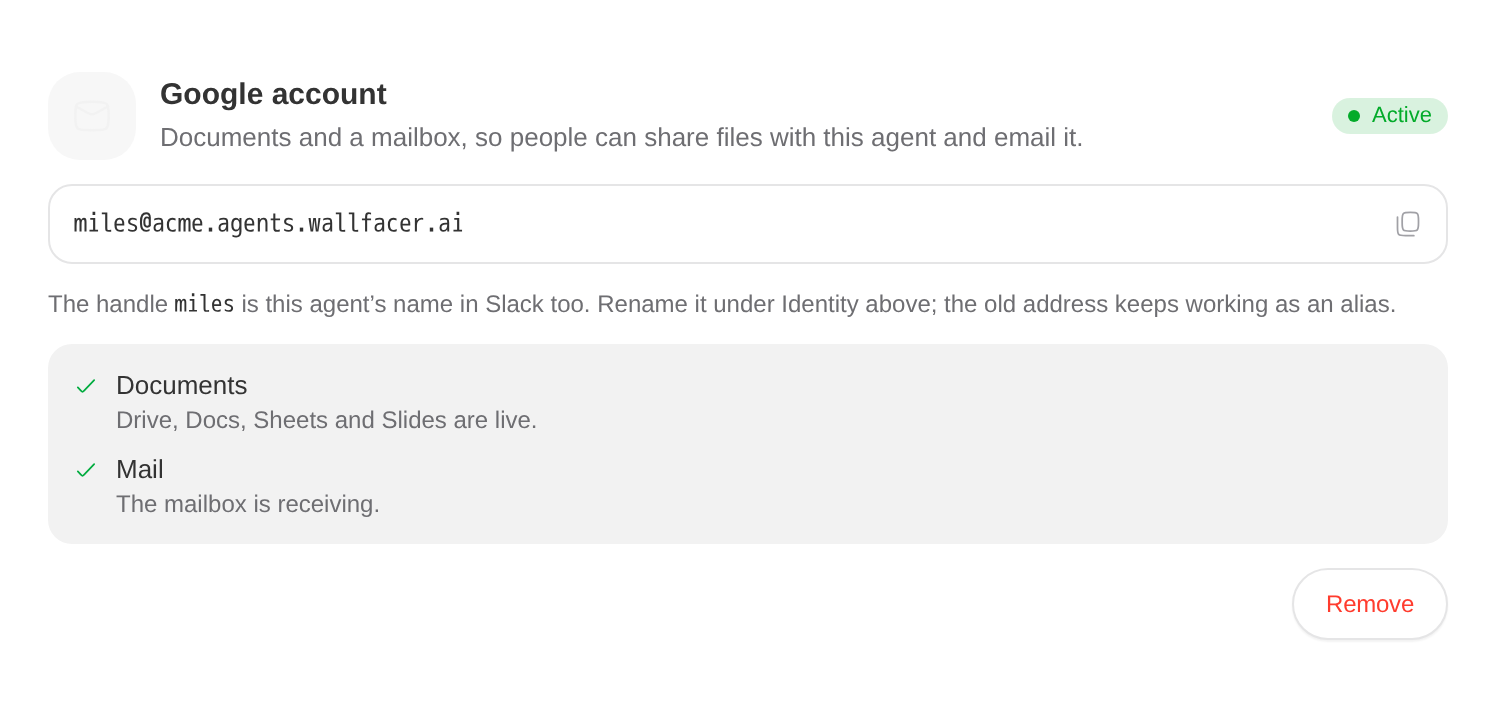
Open the agent, go to Apps & access, and expand Google. The Google account shows the agent's address; tap it to copy. Documents and Mailbox report readiness separately, because Drive and the mailbox come up at their own pace. An agent without a Google account has no address, and Give it a Google account in the same place adds one.
Then send it something with a task in it and an attachment, and watch the task appear. To widen who may direct it, PATCH the agent's mail_policy and send the whole policy each time, as Setting the Policy shows.